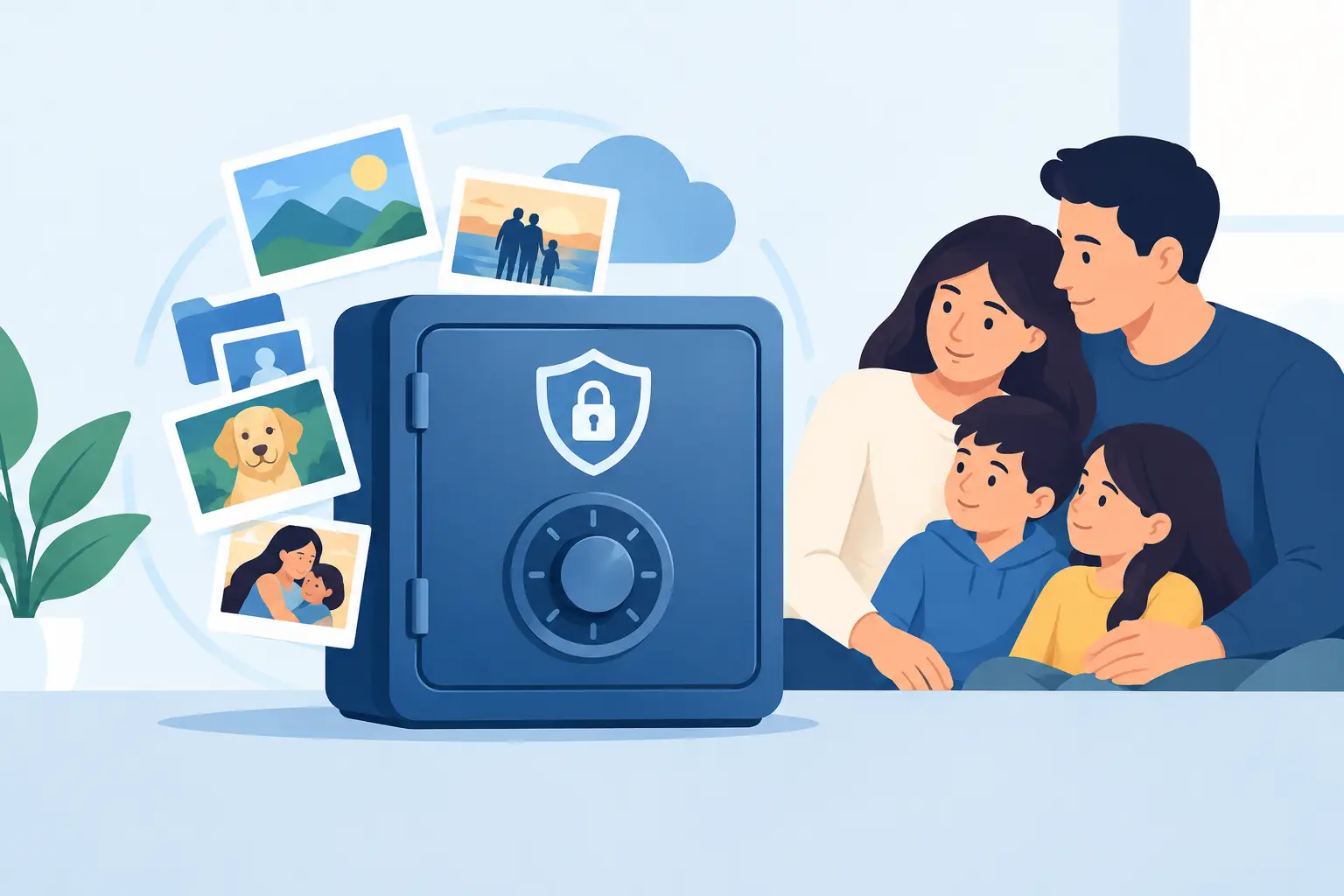
A video of a grandparent telling a family story, a birthday message for a child years from now, or a note meant for a spouse deserves more care than an old attachment in a crowded inbox. So, are private memory vaults safe? They can be, but safety depends on more than calling a service private. It depends on how your account is protected, how your content is handled, and whether the right person can receive it when the planned day arrives.
A private memory vault is designed to hold personal messages, videos, and other meaningful content until you choose to revisit or share it. Unlike ordinary cloud storage, its purpose is intentional delivery across time. That makes security especially personal. You are not only protecting a file. You are protecting a future moment.
What “safe” should mean for a private memory vault
No online service can promise that risk disappears completely. Devices can be lost, passwords can be reused, and email accounts can be compromised. A safer vault is one that reduces those risks through thoughtful account protection, clear privacy practices, and dependable delivery processes.
For families, safety has three parts. First, your content should be protected from people who should not see it. Second, you should remain in control of who receives it. Third, the service should make it practical for your message to reach its intended recipient at the date you selected.
Those details matter because a future message can be sensitive in ways a typical saved file is not. It may contain a private apology, a video for a child’s graduation, instructions for a family milestone, or a memory that was never meant to be public. The right platform treats that content with the care its purpose requires.
Are private memory vaults safe from unauthorized access?
The answer depends largely on the account and security practices behind the vault. Start with the basics: a strong, unique password and access to the email address connected to your account. If someone gains control of your email, they may be able to reset passwords for many services, including a memory platform.
Choose a password you do not use anywhere else. A password manager can create and store a long password without asking you to memorize it. Protecting your email account with its available sign-in safeguards is equally valuable, because email is often the path used for account recovery and delivery notifications.
Then look at how the provider approaches personal information. A trustworthy service should make it clear that your content is private, explain why it collects account and recipient details, and offer a straightforward way to manage your information. Vague language about sharing data or unclear ownership of uploaded videos should give you pause.
It also helps to separate a memory vault from public or social platforms. A video uploaded for a future family delivery should not become searchable, visible to other users, or treated as content for public sharing. Privacy should be the default, not a setting you have to hunt down.
Delivery security matters as much as storage
A time capsule is only successful if it reaches the correct person at the right time. That is why recipient management is a security feature, not just an administrative detail.
Email delivery is convenient and familiar, but an email address can change or be typed incorrectly. Before scheduling an important Drop, review every recipient address carefully. If a platform offers recipient verification, use it. Verification helps confirm that a family member can receive communications at the address you have chosen.
Consider the timing, too. A message set for next month carries a different level of uncertainty than one scheduled for ten years from now. For long-range capsules, revisit your account from time to time. Update an address after a move, check in with family members, and make sure the person you selected is still the right recipient for that message.
For especially personal content, think about whether delivery should go only to one person or to a small group of trusted family members. More recipients can provide reassurance that a message is not lost because one inbox is inactive. At the same time, every additional recipient expands access. The right choice is the one that respects the privacy of the message and the needs of the people receiving it.
Questions to ask before you upload a memory
You do not need to be a security expert to make a thoughtful choice. Before placing messages or videos in a private vault, look for clear answers to these questions:
- Who can access my content, and under what circumstances?
- How does the service protect account login and password recovery?
- Can I edit recipients, delivery dates, or my content before it is sent?
- Does the service explain how recipient verification and email delivery work?
- What happens to my account and stored content if I stop using the service?
The answers do not need to be filled with technical language. In fact, plain language is often a good sign. You should understand what you are agreeing to, what control you have, and what steps the service takes to protect the messages you trust it with.
Be cautious with services that ask for more personal information than their purpose requires. A future-message platform may need your name, email address, recipient details, and the content you choose to upload. It should not need unrelated personal data simply to send a private time capsule.
Your choices are part of the protection
A secure platform cannot prevent every avoidable mistake. Small habits can make a meaningful difference.
Avoid creating a Drop on a shared computer unless you fully sign out afterward. Keep your recovery email current. Do not forward delivery notices if doing so reveals a recipient’s private address or the contents of a message. If you are uploading a video, review what appears in the background before you send it. A familiar room can sometimes reveal an address, school name, financial document, or other detail you did not intend to share.
It is also wise to be deliberate about what belongs in a memory vault. Loving words, family stories, milestone messages, and personal videos are natural choices. Highly sensitive legal, financial, medical, or identity information may belong in a different, purpose-built arrangement. A digital time capsule is meant to carry connection across time, not replace professional estate planning or secure document storage.
This is not a reason to hold back every meaningful message. It is a reason to match the content to the tool. A video of your child’s first day of school and a note for their future birthday can be deeply private without containing information that creates unnecessary risk.
Building trust with family recipients
The safest system is also one your family understands. Let a spouse, adult child, or trusted relative know that you have created future messages, especially if the delivery dates are years away. You do not need to reveal what you wrote. Simply explaining that a message may arrive from a time-capsule service can prevent it from being mistaken for spam or ignored.
If you are creating Drops for several relatives, keep a simple private record of whom you chose and the general purpose of each message. That record can help you update plans as family circumstances change. It can also keep you from accidentally scheduling the same sensitive message to the wrong person.
MyTimeDrop is built around this kind of intentional sharing, with the ability to create a digital time capsule and designate verified family recipients for future email delivery. The most meaningful part of the process is not the upload itself. It is making a clear, careful decision about who should receive your words and when.
A private memory vault is safest when security and intention work together. Use a protected account, choose recipients with care, review your settings occasionally, and save messages that are meant to be found at a particular moment. Then your memories have a better chance of arriving not only securely, but with the comfort and meaning you hoped they would carry.